The group of Stampin' Up! demonstrators that I belong to has started a weekly challenge. This week's challenge was to create a card (following a sketch) using a retiring stamp set. I decided to use the stamp sets Pretty Postage and Wordplay.
Stamp Sets - Pretty Postage, Wordplay (both sets are retiring at the end of May
Ink - Gumball Green, Summer Starfruit, Midnight Muse
Other - Punches - Postage Stamp, 1" Square, Gumball Green stitched ribbon, Stampin' Dimensionals
Tuesday, May 21, 2013
Saturday, May 18, 2013
Sneak Peak - New Colours
It is almost time for the new Stampin' Up! catalogue to go live and that means new stamp sets, a new set of InColours and so much more. Demonstrators were given an opportunity to pre-order selected products including the new InColours so I ordered a package of the card stock and got all of the ink pads.
I saw some lovely cards posted by Patty Bennett and was regretting that I didn't have the stamp sets she used but I do have a number of flower motif stamp sets so I pulled some of them out. One of those was Tropical Party (retired) and I decided it would be perfect.
Here is my card
I saw some lovely cards posted by Patty Bennett and was regretting that I didn't have the stamp sets she used but I do have a number of flower motif stamp sets so I pulled some of them out. One of those was Tropical Party (retired) and I decided it would be perfect.
Here is my card
Stamp Sets - Tropical Party (retired), Petite Pairs
Ink - Crisp Cantaloupe, Pistachio Pudding, Pool Party
Card Stock - Crisp Cantaloupe, Whisper White
Other - Honeycomb Embossing Folder, Pool Party Ruffled Ribbon, Basic Pearls, Stampin' Dimensionals, 2 1/2" Cricle Punch, Bitty Butterfly punch
Friday, May 17, 2013
MDS Challenge - Colouring & Cropping Stamps
This week was the 25th challenge since Heather Summers and Kimberly VanDiepen started their weekly challenges. If you haven't already done so you might want to join their MDS Challenge Facebook Group.
The challenge was to colour and or crop stamp brushes in MIDS. I didn't crop the stamp brush at all, but I did use the fantastic colouring tool. The words are all one stamp, but I was able to colour individual words using that tool. Most elements are from the Sycamore Street download that was available during Sale-a-bration.
Thursday, May 16, 2013
MDS Challenge
I did a second page for last week's challenge - photos in punches. It is pretty much the same layout as my page from this month's MDS Online Club. For this page I used the Be Yourself download for most of the elements on the page.
Wednesday, May 15, 2013
MDS Challenge
Last week the challenge from Heather Summers and Kimberly VanDiepen was to use photos in punches. I was looking at some photos I had saved to my computer from our trip to Alberta several years ago and remembered that I had purchased an MDS download that included punches for each of our provinces so I decided to do a page using the Alberta punch with some of the photos from that trip. I remembered a technique Heather had shown a year to two ago where it looks like multiple photos are in a single punch. It took a bit of patience, but I am super happy with the result.
Thanks for stopping by.
Saturday, May 4, 2013
My Digital Studio Online Club
This page uses elements from the Neon Notes kit featured in the May MDS Online Club (designer series papers, tag). I found this kit kind of scary - the colours are so bright. I did a search and found a layout that I really liked using these elements. Heather Summers had given a tip on how to make it look like the ribbon embellishment is actually going through the hole in the tag.Thursday, May 2, 2013
My Digital Studio Online Club
I signed up for a My Digital Studio Online Club hosted by Heather Summers (for Canadian participants) and Kimberly VanDiepen (for US participants) This month the two kits featured are Neon Notes and On Holiday.
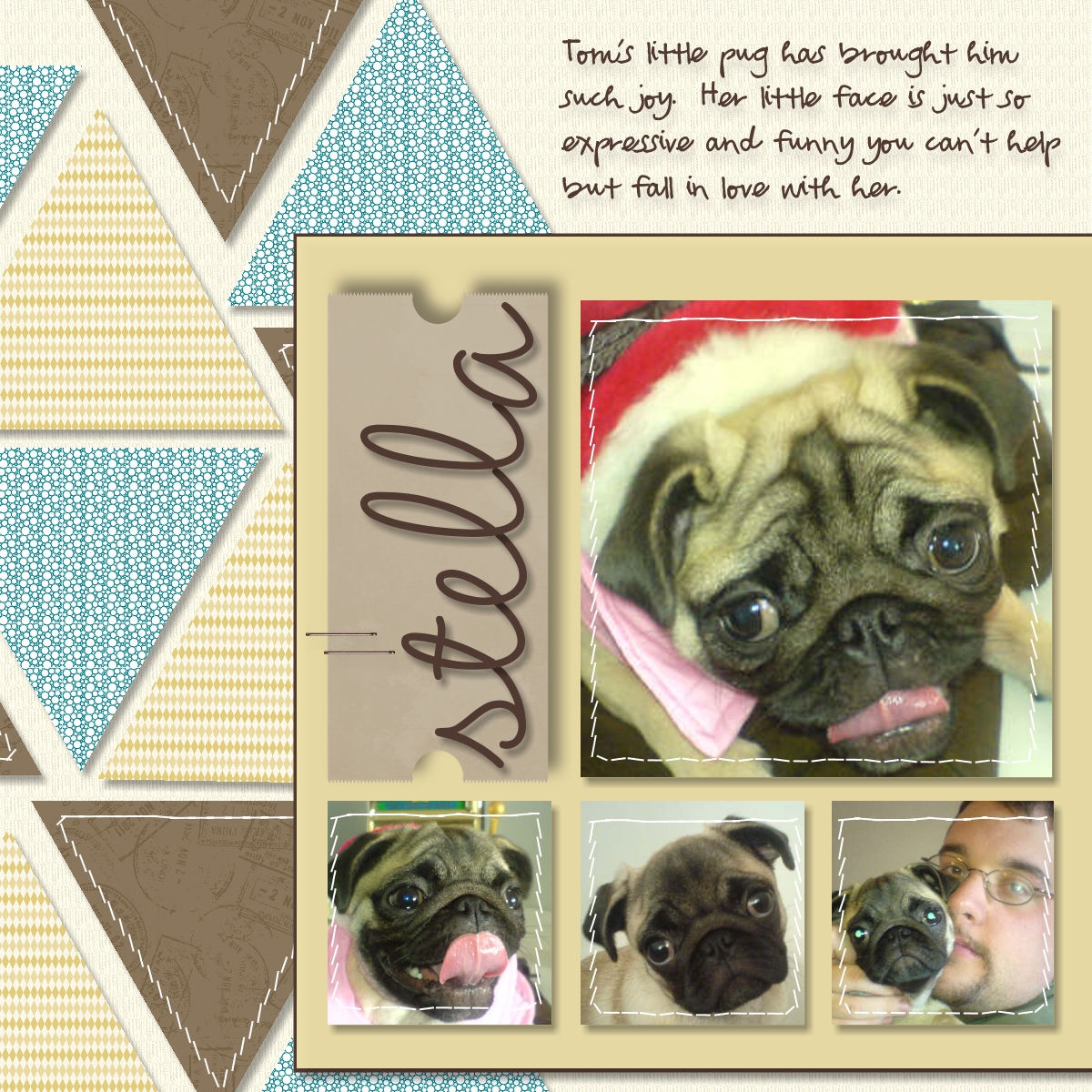
This page uses Designer Series papers from the On Holiday kit. In addition, the tag behind the title is from that kit. One of the tips shared this month was to use the Freeform tool within the My Digital Studio software to create the stitching lines in the triangles and on the photos.
Monday, April 29, 2013
My Digital Studio Challenge - Sketch
It's another Monday and My Digital Studio Challenge hosted by Heather Summers and Kimberly VanDiepen.
This week Kimberly posted a sketch for us to work with.
This is my page featuring my brother-in-law and sister-in-law and their three children. All of the elements are from the Lemonade Stand MDS content disc from the 2013 Sale-a-bration promotion.
This week Kimberly posted a sketch for us to work with.
This is my page featuring my brother-in-law and sister-in-law and their three children. All of the elements are from the Lemonade Stand MDS content disc from the 2013 Sale-a-bration promotion.Friday, April 26, 2013
Digital Design with Kimberly and Heather - All Time Faves (Card 2)
The second card I made using the All Time Faves kit from Heather Summers was pretty quick to put together and then to recreate in My Digital Studio.
This is the card using the supplies in the kit. It looks like I need to get out my adhesive remover before sending this one out!
#khdesigns01
This is the card using the supplies in the kit. It looks like I need to get out my adhesive remover before sending this one out!
And here is the one I created in My Digital Studio. I couldn't find the shape Heather used for the sun so I created my own. I started with a scallop circle punch and edited it to make the pointy rays. I layered two of these punches and then just rotated one of them a little bit.
I printed it out onto glossy photo paper (should have shut off the flash) and used Calypso Coral card stock for the base. Added a button and a bit of baker's twine and the card was done.
#khdesigns01
Thursday, April 25, 2013
Digital Design with Kimberly and Heather
When Kimberly VanDiepen and Heather Summers offered their 10 day online class they also offered a kit containing all of the pieces to create three cards they had designed using elements from My Digital Studio and then exporting them to their ecutters.
I signed up for both the class and the card kit. I decided I wanted more of the cards and not having an ecutter I decided to see how I could reproduce them.

This is the first of the three cards included in the kit. The white background piece with the heart cut out, the pieces for the little figures and the red heart were all elements from My Digital Studio that had been exported to the ecutter and then cut out.

This is the card I created using My Digital Studio. I created the focal image in MDS and then printed and cut it out. I then added a punched out heart and put my card together.
#khdesigns01
I signed up for both the class and the card kit. I decided I wanted more of the cards and not having an ecutter I decided to see how I could reproduce them.

This is the first of the three cards included in the kit. The white background piece with the heart cut out, the pieces for the little figures and the red heart were all elements from My Digital Studio that had been exported to the ecutter and then cut out.

This is the card I created using My Digital Studio. I created the focal image in MDS and then printed and cut it out. I then added a punched out heart and put my card together.
Wednesday, April 24, 2013
Digital Design with Kimberly and Heather - Day 10
Day 10 was the last day of the class and Heather demonstrated a card she created using My Digital Studio and her ecutter.
This is the card I created using My Digital Studio
I don't have an ecutter so I printed my project and created this "hybrid" card. The only "real" products are the glittery heart, the baker's twine and the button.
This is my "hybrid" card for Day 9 of the class (see THIS post)
This is the card I created using My Digital Studio
I don't have an ecutter so I printed my project and created this "hybrid" card. The only "real" products are the glittery heart, the baker's twine and the button.
This is my "hybrid" card for Day 9 of the class (see THIS post)
#khdesigns01
Tuesday, April 23, 2013
Digital Design with Kimberly and Heather - Day 9
Sunday, April 21, 2013
Digital Design with Kimberly and Heather
Day 4 of the Digital Design with Kimberly and Heather online class featured the use of triangles in scrapbook layouts.
#khdesigns01
MDS Downloads
This and That Epic Day
Paper Doilies
#khdesigns01
MDS Downloads
This and That Epic Day
Paper Doilies
Saturday, April 20, 2013
Digital Design with Kimberly and Heather - Day 5
I have completed another page with photos from Nan's 90th birthday. Thanks Kimberly VanDiepen and Heather Summers for your Design with Kimberly and Heather online class! Day 5 focused on the current trend to use hexagons. I copied Heather's layout, but changed out the papers and embellishments.
Most elements are from the Topsy Turvy Celebrations.
#khdesigns01
Thursday, April 18, 2013
Digital Design with Heather and Kimberly - Day 3
I signed on for another of the My Digital Studio online classes hosted by the amazing Heather Summers and Kimberly VanDiepen. Day 3 was a sketch along with some tips and tricks for enhancing the page and altering embellishments.Sunday, February 17, 2013
SNOW DAY IN MYRTLE BEACH
Who knew that on February 17 in Myrtle Beach, South Carolina I would wake up to a snow covered landscape? Well it happened - it started snowing on Saturday night and there was least an inch of snow (probably more like two inches) of snow on the ground early Sunday morning. Thankfully it was all gone before noon.
I created this page using My Digital Studio
Have a great day and thanks so much for stopping by.
I created this page using My Digital Studio
Have a great day and thanks so much for stopping by.
Sunday, December 30, 2012
Simply MDS Challenge - Week 3
The week 3 challenge (week of December 17) featured two colouring tools available in Simply My Digital Studio 2. For solid images the recolour tool is available to change the colour of portions of the stamped image. Four outline images the Freeform tools allows you to colour in your image.
Snowman - I used the recolour tool to colour the nose, buttons and arms. I used the freeform colouring tool to colour in the hatband.
Jolly Christmas - I used the recolour tool to colour the wreath and the freeform tool to colour in the berries on the wreath.
Snowman - I used the recolour tool to colour the nose, buttons and arms. I used the freeform colouring tool to colour in the hatband.
Jolly Christmas - I used the recolour tool to colour the wreath and the freeform tool to colour in the berries on the wreath.
Sunday, December 23, 2012
Simply MDS Challenge - Week 2
The techniques Kimberly and Heather featured in the week 2 challenge (week of December 10) was cropping embellishments and stamps. It is so great to have this feature available. Sometimes there is only part of a stamp that you really want to use - now the unwanted portion can be cropped out. The same for embellishments - maybe you only want a short row of stitching. You can crop the stitching to the length you want.
For my page
For my page
Monday, December 17, 2012
Simply MDS Challenges - Hosted by Heather Summers and Kimberly VanDiepen
A few weeks ago Heather Summers and Kimberly VanDiepen put their heads together and came up with a plan for weekly My Digital Studio Challenges. Each week they post a challenge on their blogs (with a video) covering some of the new features in My Digital Studio. They have also set up a Facebook so participants have a place to post and share their pages.
The week one challenge (week of December 3) featured using multiple photo boxes for one photo. A very fun technique - check out the video on Heather's blog HERE.
For my page I used a family photo taken when we celebrated my mother-in-law's 90th birthday at the end of November.
The week one challenge (week of December 3) featured using multiple photo boxes for one photo. A very fun technique - check out the video on Heather's blog HERE.
For my page I used a family photo taken when we celebrated my mother-in-law's 90th birthday at the end of November.
Wednesday, December 12, 2012
Subscribe to:
Posts (Atom)


